FrameForge
Clean, polished device mockups in under 30 seconds. No Photoshop tax.
freemium
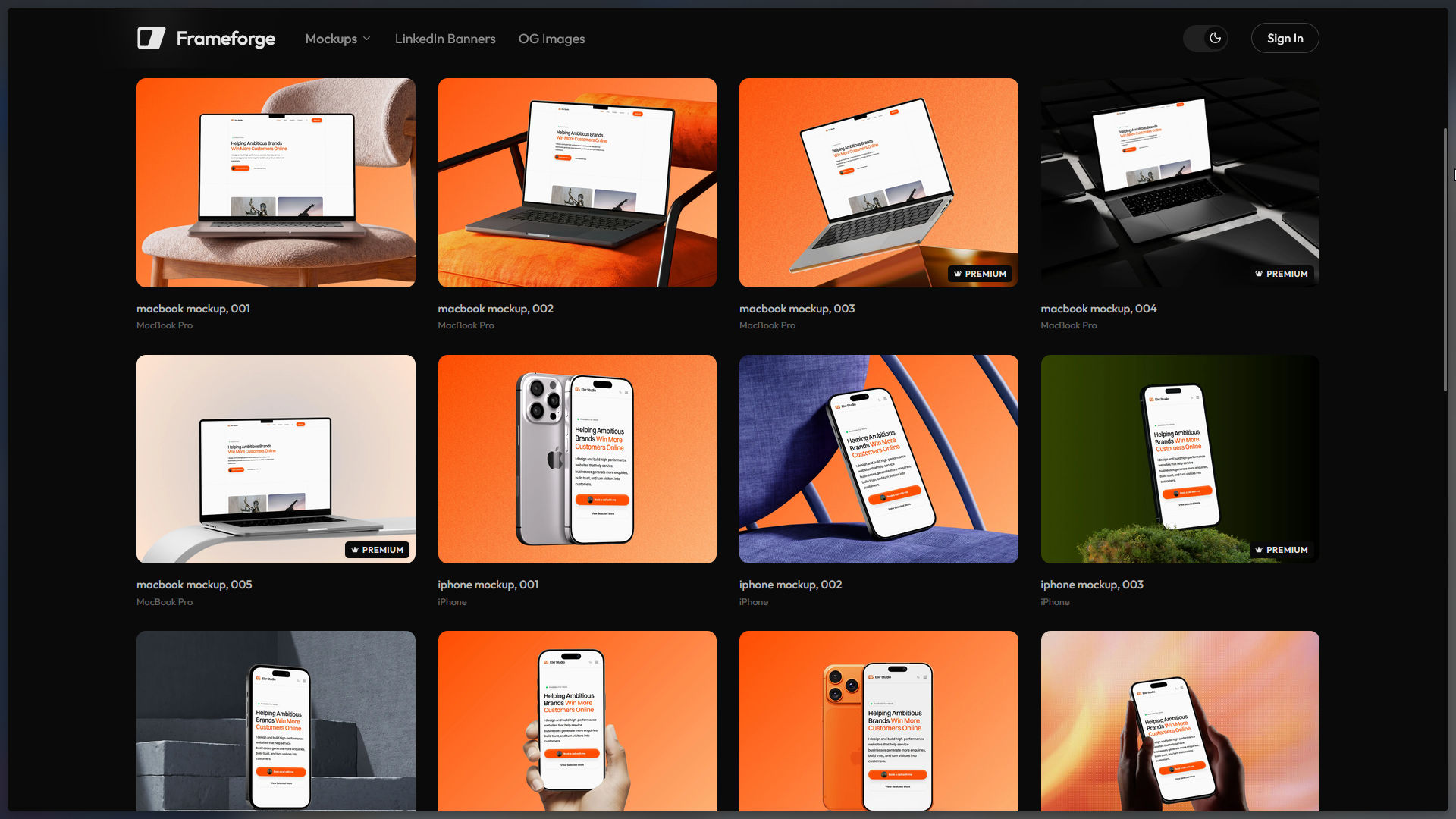
FrameForge turns a plain screenshot into a polished, presentation-ready mockup, laptops, phones, browser frames, and more, without opening a design tool. Pick a template, drop in your screenshot, export. That's the whole workflow.
Features
Real templates, not flat overlays
- A growing library of device mockup templates: MacBooks, iMacs, phones, browser windows, and more
- Each template is built from licensed source mockups with precisely mapped screen coordinates, so your screenshot sits correctly inside the frame with real perspective, not just a rectangle pasted on top
- All templates share a consistent editing experience, so switching between them feels the same every time
A fast, focused editor
- Large center preview so you can see exactly what you're exporting
- Per-template properties on the side: notch style, device color, and other template-specific options
- Background and preset controls, so you can match a mockup to your brand or your slide deck in a couple of clicks
- Export straight to PNG or JPG
Built for speed
- No layers, no manual perspective warping, no hunting for the right PSD
- Pick a template, drop your image, export, done in well under a minute
Pricing
- Free: up to 10 exports a month, with a watermark
- Lifetime: one-time payment, unlimited exports, no watermark, access to new templates as they're added, priority support, and the ability to request new mockups
The details
FrameForge is a web app, available at freyo.app. Built for designers, indie makers, and anyone who needs a screenshot to look like it belongs on a landing page, not a bug report.
Supporters

Ashley$5.00